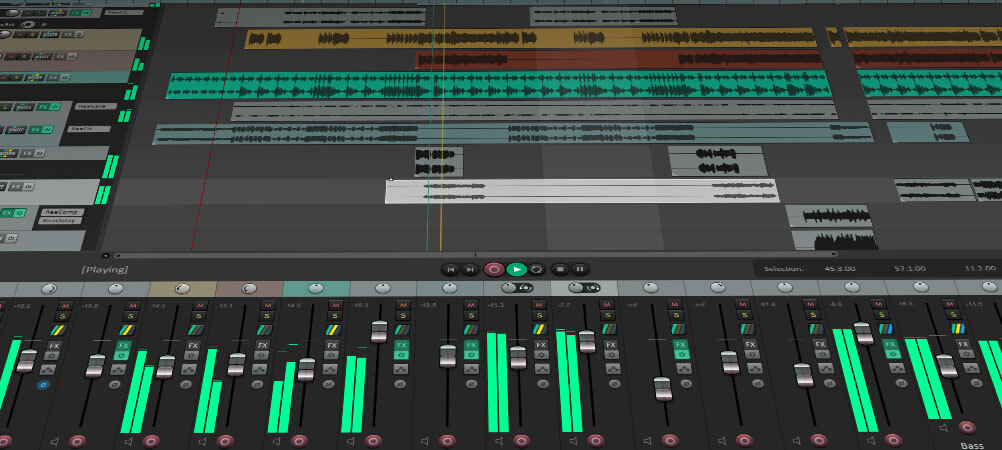
REAPER 7.0 contains many under-the-hood optimizations and improvements, in addition to the many items listed in the
full changelog.
As always, we will continue to introduce improvements, optimizations, fixes, and major new features throughout the version 7 release cycle.
Pop/click
add 'Edit > Repair Pops/Clicks' dialog, to interactively find pops/clicks and apply sample-edit spectral repair
add actions to go to next/previous detected audio pop/click
CLAP
fix I/O possibly being set up incorrectly with some plugins
hide non-automatable parameters from various REAPER automation interfaces
•
support CLAP_EVENT_IS_LIVE
...
ReaScript
add MIDIEditor_GetSetting() support for timebase_unit, pixels_per_timebase_unit
allow querying default value for FX parameters using FX_GetNamedConfigParm(param.X.default_value)
fixing writing empty strings via set_config_var_string()
...
MIDI
do not snap MIDI media items to PPQ when pasting
•
fix behavior when applying track volume as MIDI velocity and volume is set to -inf
ignore media item take phase setting for MIDI items
• ...
Track Lanes:Use lanes to manage takes, layer sounds, assemble alternate track versions, or store playlists. Track lanes can be used as a creative tool, an organizational aid, or both at the same time.
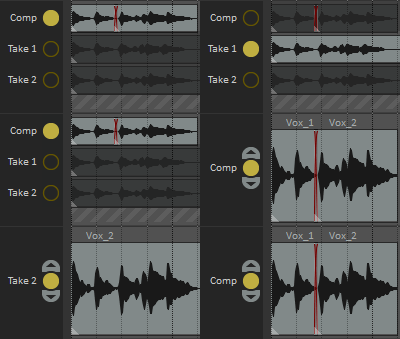
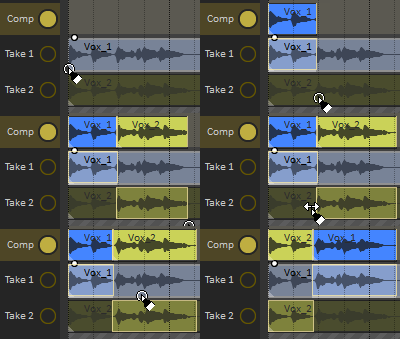
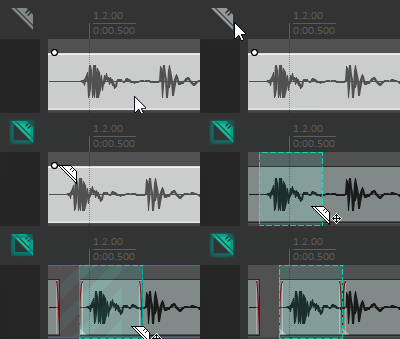
Swipe Comping:Select the best parts of multiple takes to create one ideal composite take, or multiple alternative composites. A highly flexible new system that supports one-click A/B comparison, customizable crossfades, recording and editing media while comping, and even building comps from other comps.
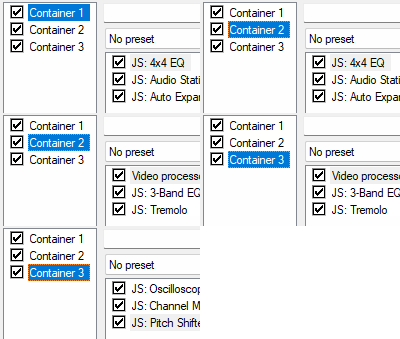
FX Containers and Parallel Routing:Build, store, and recall self-contained FX chains, including complex routing and configurable parameter mapping. Route multiple plug-ins (including FX containers) in parallel.
More Track Channels and MIDI I/O:Tracks support up to 128 channels each; MIDI routing supports up to 128 buses; hardware support for up to 128 MIDI input and 128 MIDI output devices. As always, there are no limits on track counts, sends/receives, FX, ReaScripts, etc.
Keyboard/Mouse Overrides:Switch between multiple sets of fully customizable keyboard shortcuts and/or mouse modifier behaviors. Instantly change keyboard and mouse setups for different workflow contexts for simplicity and efficiency.
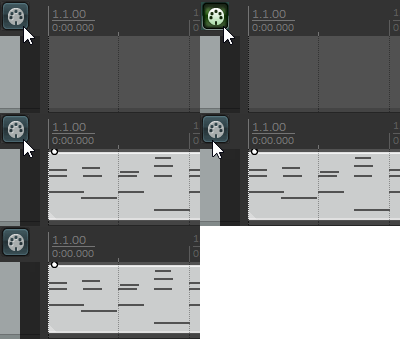
Usability Improvements:Customizable track spacers; arrange view zoom/scroll improvements; MIDI editor CC lane vertical zoom/scroll and pitchwheel snap; MIDI editor coloring improvements; customizable animated toolbar buttons; configuration import/export improvements.
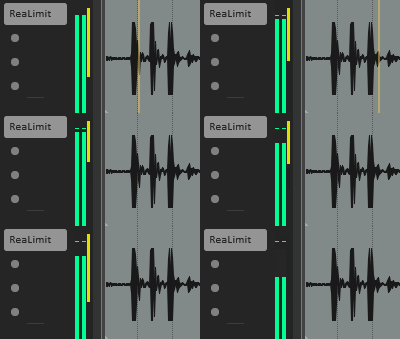
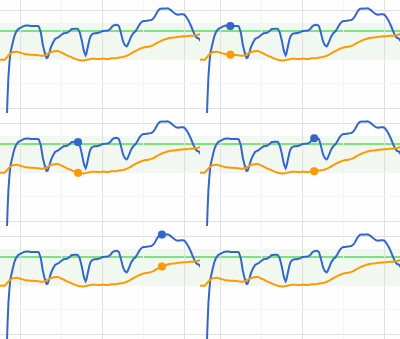
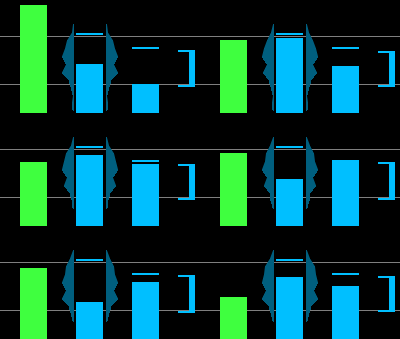
And That's Not All:Plug-in gain reduction metering; ARA edit pooling; video support in background projects; video colorspace improvements; import/export support for raw PCM (.sd2) file formats; up to 48 customizable floating toolbars; JSFX compile-time macros and configurable parameters; and hundreds of other refinements and improvements.
Added Since Version 6.0
REAPER development is constant and ongoing. Below are a few of the major features added in the 80+ free REAPER updates between versions 6.0 and 7.0.
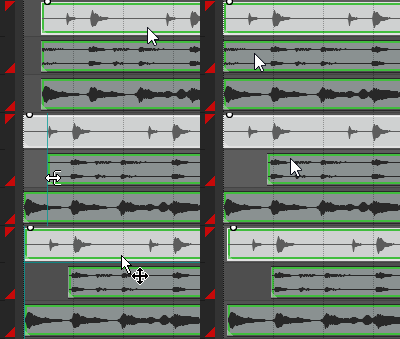
Razor Edits:Surgically cut, split, move, copy, or stretch sections of media and automation envelopes individually or together.
ReaLimit:A new brickwall limiter and loudness maximizer plug-in, featuring multiple look-ahead modes, visual peaks display, and a clean, clear sound.
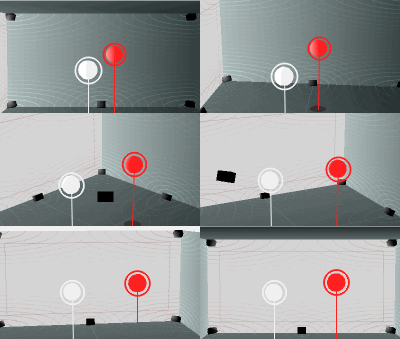
ReaSurroundPan:A new 3D surround panner plug-in, featuring multiple room views, intuitive mouse-friendly interface, channel grouping macros, and fully customizable channel/speaker setups.
Render Statistics and Loudness Measurement:Generate an interactive, shareable, graphical HTML render loudness and clipping report for every render, including stem renders, region renders, and fast 'dry run' renders that produce a render report without writing media to disk. View real-time render statistics while rendering.
Retroactive MIDI Recording:Import played MIDI after the fact, even if track recording was not set up or armed.
Track Edit Grouping:Group tracks for media/razor edits, including support for up to 64 separately configurable groups with customizable leader track/follower track support.
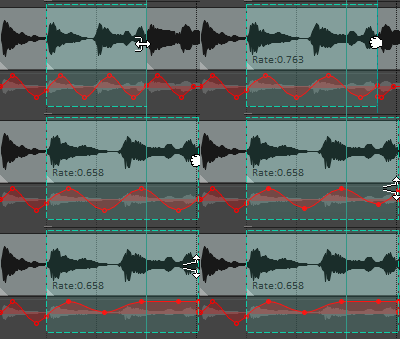
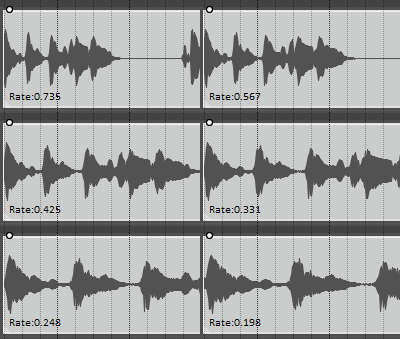
New Pitch Shift, Time Stretch, and Resampling Modes:New built-in polyphase synthesis pitch shift/time stretch modes, and built-in support for Voxengo's high quality r8brain-free sample rate converter.
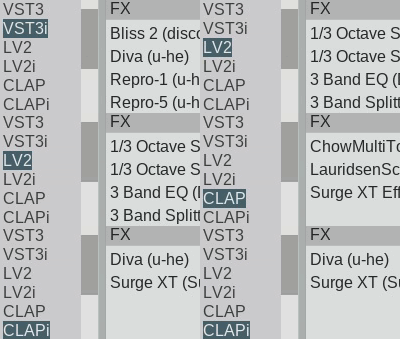
LV2, CLAP Plugins:Full support for LV2 and CLAP open-source, permissively licensed plug-in formats, on all OS platforms (Windows, macOS, and linux).
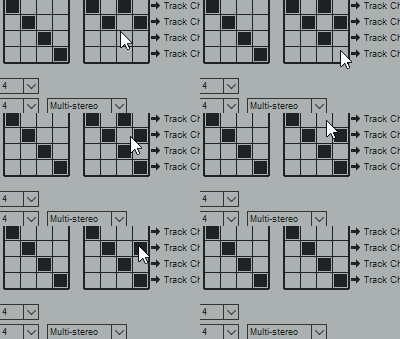
FX Auto-Bypass, Oversampling, Multi-Mono, Multi-Stereo:Customizable per-FX auto-bypass, to disable processing when the input is silent. Per-FX and per-FX-chain oversampling, to oversample any plug-in up to 768 kHz. ReaPlug support for multi-mono and multi-stereo processing modes.
Etc, etc, etc:Per-track customizable LUFS loudness metering; second-pass rendering; multi-core batch conversion; multi-core peaks calculation; per-FX delta solo setting; new JSFX LUFS Loudness Meter; new JSFX Multichannel Mapper-Downmixer; improved metadata support; extensive Media Explorer improvements; vastly improved native video support; and hundreds of other feature improvements and bug fixes.